Computer Classes at Reading Public Library
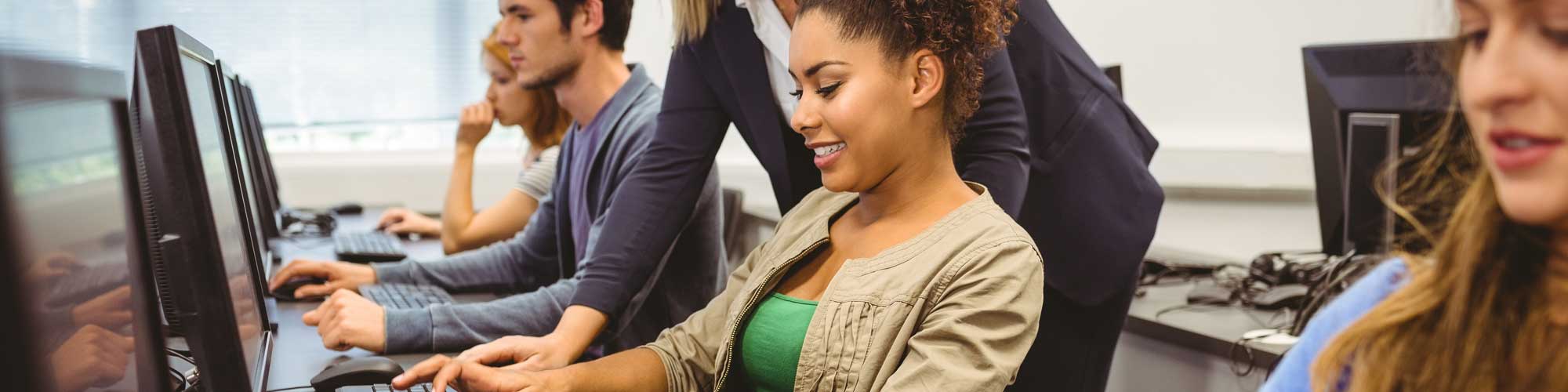
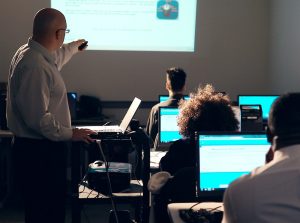
All classes will be held in Main Library’s computer lab as noted, lasting approximately 60 minutes. They can be extended up to 90 minutes as each class may require more time Classes meet at 2:00 p.m. and are given in English and Spanish simultaneously.
Main Library Computer Class Schedule
Hosted on select Wednesdays from 2:00 – 3:30 P.M.
*Registration is required. Please call 610-655-6355 or visit our Reference Desk at the Main Library to register.*
Stay tuned for 2027 dates!
Questions? Contact Our
Reference Department
info@readingpubliclibrary.org
610-655-6355
Monthly Branch Classes
Northeast Branch Computer Class Schedule
Hosted on 4th Mondays of every month at 10:30 AM.
*Registration is required. Please call 610-655-6361 or contact a staff member at Northeast Branch to register.*
Internet 1 – Basic Computer Skills
Begin developing your digital literacy with the Reading Public Library and Northstar Digital Literacy. This introductory class covers essential internet skills, including navigating websites, using search engines, and practicing online safety. A Northstar assessment is available for participants who wish to earn certification.
- Monday, November 23
- Monday, December 22
Northwest Branch Computer Class Schedule
Hosted on 4th Wednesdays of every month at 3:30 PM.
*Registration is required. Please call 610-655-6360 or contact a staff member at Northwest Branch to register.*
Internet 1 – Basic Computer Skills
Begin developing your digital literacy with the Reading Public Library and Northstar Digital Literacy. This introductory class covers essential internet skills, including navigating websites, using search engines, and practicing online safety. A Northstar assessment is available for participants who wish to earn certification.
- Wednesday, November 25
- Wednesday, December 23
Southeast Branch Computer Class Schedule
Hosted on 4th Thursdays of every month at 2 PM.
*Registration is required. Please call 610-655-6362 or contact a staff member at Southeast Branch to register.*
Internet 1 – Basic Computer Skills
Begin developing your digital literacy with the Reading Public Library and Northstar Digital Literacy. This introductory class covers essential internet skills, including navigating websites, using search engines, and practicing online safety. A Northstar assessment is available for participants who wish to earn certification.
- Stay tuned for 2027 dates.
Class Details
Begin developing your digital literacy with the Reading Public Library and Northstar Digital Literacy. This introductory class covers essential internet skills, including navigating websites, using search engines, and practicing online safety. A Northstar assessment is available for participants who wish to earn certification.
Learn the essentials of Gmail and key Google applications, including Drive, Docs, and Sheets. This class covers sending and organizing email, storing files, and collaborating online. A Northstar assessment is available for those who want to earn certification.
Prerequisite: Basic computer skills. Participants must bring a mobile phone capable of receiving text messages.
Build practical skills in Microsoft Word, including formatting text, creating documents, inserting images, and saving files. Participants may take a Northstar assessment if they wish to earn certification.
Prerequisite: Basic computer skills.
Develop foundational skills in Microsoft Excel, including entering data, navigating spreadsheets, creating simple formulas, and generating basic charts. A Northstar assessment is available for participants who want certification.
Prerequisite: Basic computer skills.
Build your job-seeking confidence with this combined Career Search and Resume Workshop. Participants will learn how to create a polished resume and receive guided support in writing and formatting their professional information. The class will also introduce effective job search strategies, including how to identify opportunities, navigate online job boards, and use digital tools to support your application process. Additional employment resources from the Reading Public Library and Northstar Digital Literacy will be highlighted.
Prerequisite: Basic computer skills and an accessible email address.
Learn how to create polished, professional flyers using Canva. This class covers templates, layout customization, adding text and images, and downloading completed projects. Ideal for creating flyers, social media graphics, resumes, and more.
Prerequisite: Basic computer skills and Gmail.
Explore your family history with FamilySearch, a free online genealogy resource. This class introduces searching historical records, building a family tree, and navigating your account.
Prerequisite: Basic computer skills.